2026 guide · by a restaurant owner
Looking for a
Restaurant365 alternative?
Your team counts without you. You order without guessing, from anywhere. Every invoice keeps your costs current.
Know the work is handled, even when you’re away from the restaurant.
- $299/mo
- Setup included
- 30-day guarantee
Pricing verified July 2026 · Restaurant365 doesn't publish pricing; range is from Capterra and R365's own published cost comparisons. Custom quote required. · source
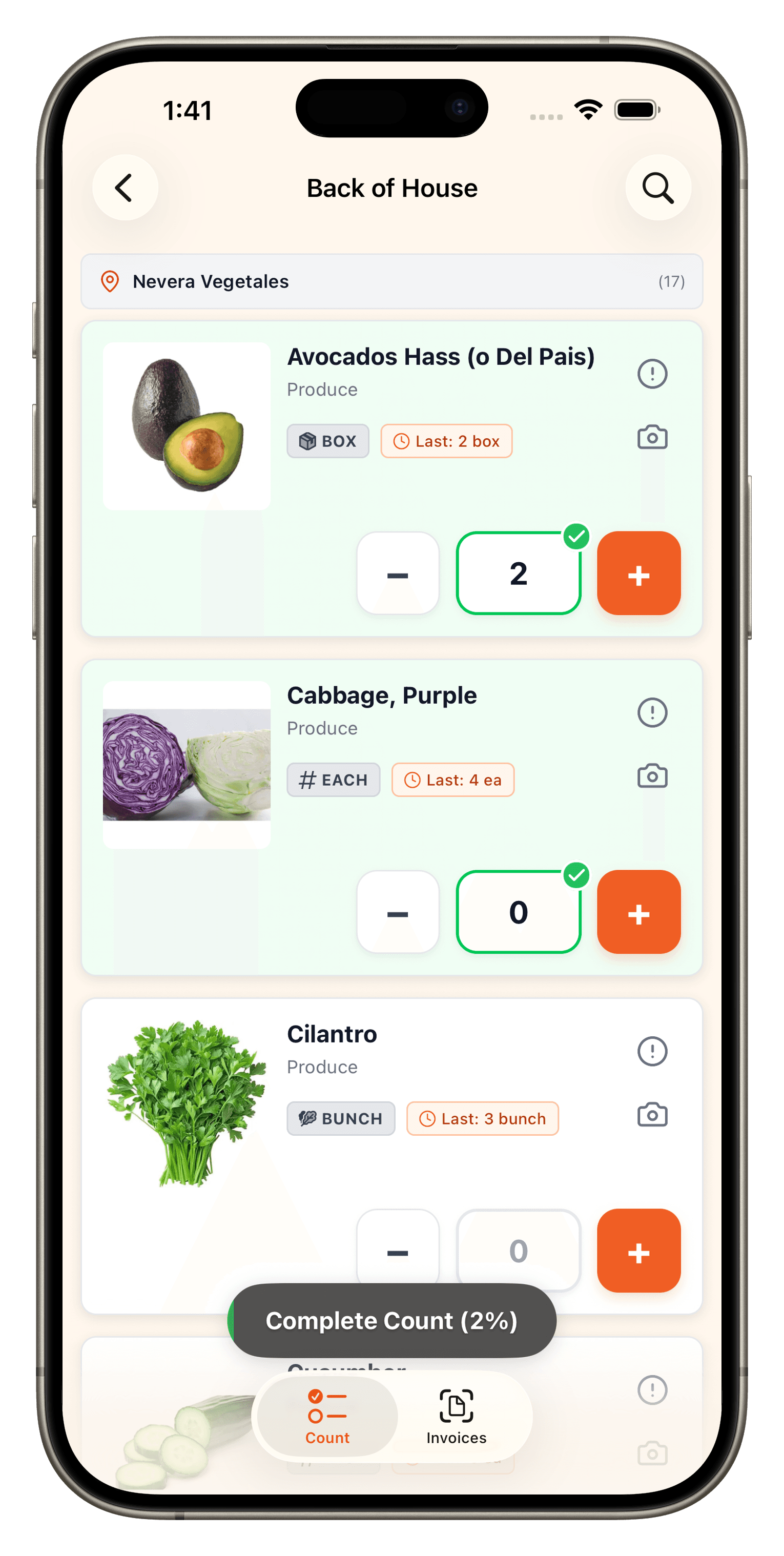
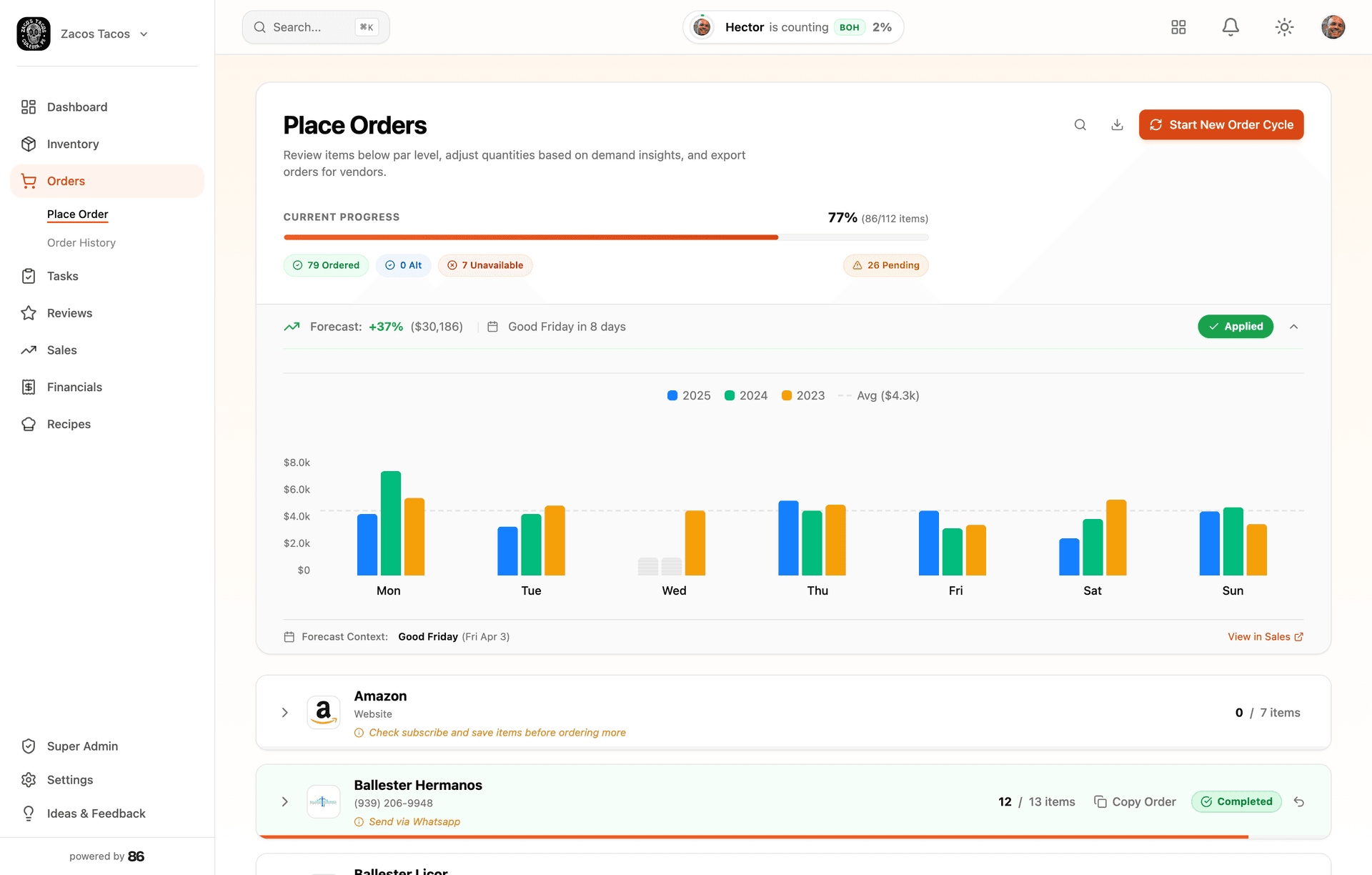
Drop in the mess. Start with a working account.
No forms, no data entry, no blank account to fill in. 86 reads whatever you’ve got — and builds your account in minutes.
Whatever you have
- Shelf photos
- Invoices
- Spreadsheets
- Handwritten counts
- POS exports
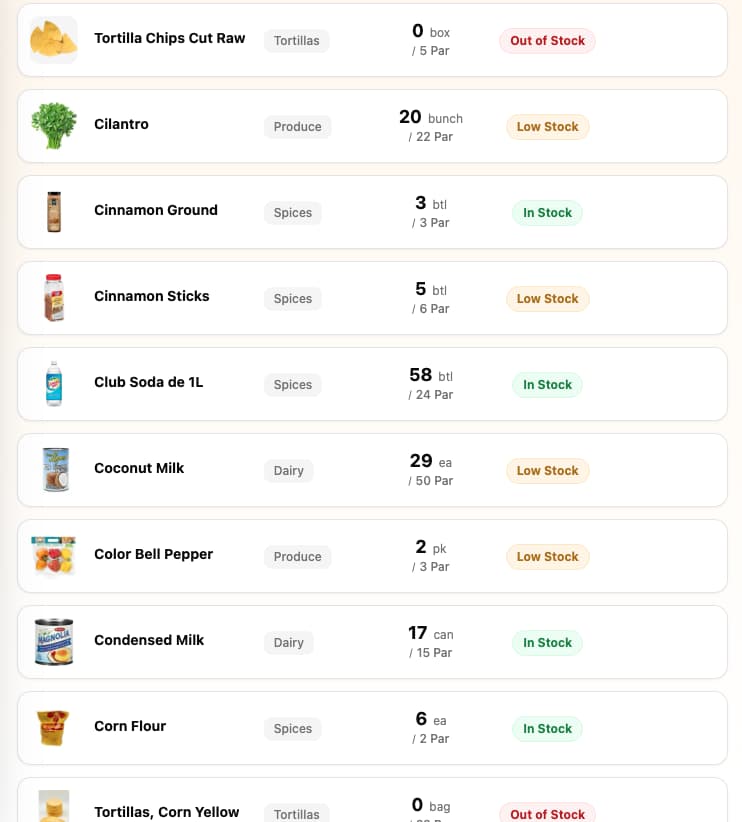
Items, vendors, and the link between them — even migrated from your old system — built and ready when you first log in.
Want a hand? We’ll set it up with you — even moving everything over from your current system. Chat or a call, right in the app. No fee, no pitch.
Why Restaurants Are Switching
Common reasons restaurants look for Restaurant365 alternatives.
Custom quote only — no published pricing. Third-party sources report ~$469–$749/month per location, plus implementation typically $3,000–$15,000+.
Overkill for independent restaurants
Complex implementation requiring a dedicated administrator — 2–12 weeks depending on scope
Steep learning curve reported across review platforms
Mobile app bugs reported: crashes, slow performance after updates, broken group messaging
Recipe items only appear in variance review when prep logging is enabled — complicates inventory variance analysis (per their own docs)
What to Look for in an Alternative
Transparent Pricing
No hidden fees, no per-user charges, no surprise setup costs. Know exactly what you'll pay.
Fast Setup
Your team should be counting inventory this week, not waiting weeks for implementation.
Team Simplicity
If your staff can use a phone, they should be able to use the inventory app. No weeks of training.
Feature breakdown
See exactly where 86 wins — and where Restaurant365 does.
Pricing & Setup
- Monthly Cost86: $299 flat per locationRestaurant365: Custom quote (~$469–$749/location per third-party sources)
- Setup Fee86: $0 (included)Restaurant365: Implementation ~$3,000–$15,000+ by scope
- Contract86: None — cancel online anytimeRestaurant365: Annual billing cycle
- Team Members Included86: UnlimitedRestaurant365: Unlimited
- Annual Cost (per location)86: $2,988Restaurant365: ~$5,628–$8,988 subscription, plus implementation
Core Features
- Inventory Management86: YesRestaurant365: Yes
- Photo-Based Counting86: YesRestaurant365: Not listed on their site
- Daily Prep Lists for the Kitchen86: No more writing the whiteboard — closing counts set the list, cooks check it offRestaurant365: Prep Sheet — printable daily prep guide
- Invoice Scanning86: No monthly capRestaurant365: Yes
- Cost updates86: Auto via invoices → recipes → booksRestaurant365: Via accounting workflows
- Books86: Bank + cards connected — auto-categorized, you review only what's leftRestaurant365: Full accounting suite
- Payroll Management86: NoRestaurant365: Yes
- Scheduling86: NoRestaurant365: Yes
- Recipe Costing86: YesRestaurant365: Yes
Simplicity & Learning
- Who does the setup86: Done for you — AI + a human at your fingertipsRestaurant365: You configure with an implementation team (dedicated admin expected)
- Setup Time86: Same dayRestaurant365: 2–12 weeks depending on scope
- Learning Curve86: Counting is intuitive. Rest is learn-as-you-go.Restaurant365: Steep (review-sourced)
- In-app support86: Human chat inside the appRestaurant365: Implementation manager + support tiers
- Best For86: Independents (1–5 locations)Restaurant365: Enterprise restaurant groups
Mobile Experience
- iOS App86: YesRestaurant365: Yes
- Android App86: YesRestaurant365: Yes
- Offline Mode86: Tested in walk-ins — nothing gets lost. It just works.Restaurant365: Not listed on their site; reviewers report crashes and loading hangs
Team Management
- Count Reminders by Text86: Text + push before the countRestaurant365: Not offered — completion summary after the fact
- Manager Alerts (Missed Counts)86: YesRestaurant365: No overdue-count reminder on their site
- Push Notifications86: YesRestaurant365: Yes
Data & Migration
- Free Data Import86: YesRestaurant365: Varies

“At Zaco’s Tacos, I stopped chasing my bookkeeper for basic answers.”
Hector Bilbao · owner, Zaco’s Tacos · builder of 86 — books, proven at Zaco’s Tacos
How to switch from Restaurant365.
Migration is included. Our AI sets up your account in minutes — you can be counting and seeing real food costs the same day.
- Step 1
Export your inventory data from Restaurant365 (Reports → Inventory → Export)
- Step 2
Send the export file to [email protected]
- Step 3
Our AI sets up your 86 account with all your items in minutes — you can be counting the same day
- Step 4
Keep Restaurant365 running during transition — cancel when ready
In Restaurant365, navigate to Reports → Inventory Reports → select your items → Export to CSV or Excel.
Frequently asked questions.
Have more questions? Email Hector
See where each tool fits.
Not every tool is the same kind of tool. Here’s where 86 fits against a few other options independents consider.
Independent restaurants — typically 1–5 locations — that want the whole back office handled in one tool, not just inventory.
Full comparison →86 vs MarginEdgeIndependents (1–5 locations) who want invoices, counting, ordering, and books off their plate in the same login.
Full comparison →86 vs WISK AIIndependents (1–5 locations) that run food and beverage, and want the rest of the back office in the same tool.
Full comparison →Know the work is handled, even when you’re away from the restaurant.
- $299/mo
- Setup included
- 30-day guarantee